


Draft Articles
Create an initial article from a subject and writing instructions.

AI Writing and Research Workspace
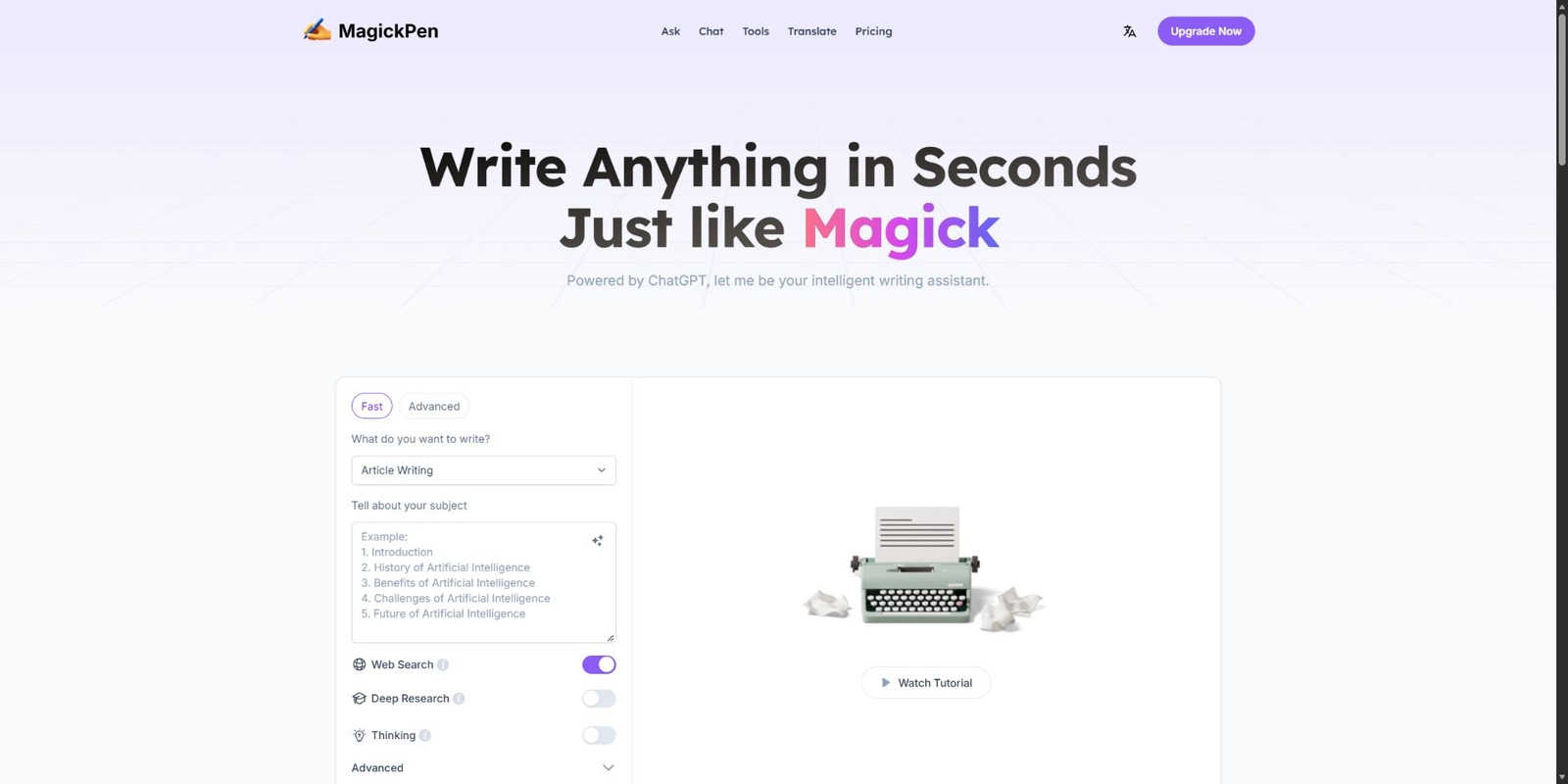
MagickPen helps draft articles, reports, stories and marketing copy using a writing form with task, subject, language and style controls. It also offers chat, templates and writing utilities. Web search and research options can support a draft, but you still need to check facts and edit the result.
Writers, marketers and everyday document creators
Drafting, outlines, rewriting, templates, research-assisted writing
Free allowance and paid plans
Web
MagickPen provides a structured starting point for writing: choose what to create, explain the subject and adjust the available options. Its templates cover tasks such as business documents, articles and creative writing, while chat offers a conversational alternative.
Search, research and thinking options can help develop material before you edit it. Writing utilities cover additional text tasks, and the translation navigation links to the separate OpenL service. Paid plans distinguish Fast access from a monthly Advanced allowance.
Here are some of the most common ways people use MagickPen.
Create an initial article from a subject and writing instructions.
Organize a topic into a structure you can expand and refine.
Draft promotional text and adapt the message for your audience.
Develop story ideas, scenes and other creative drafts.
Choose from task-oriented templates rather than starting with an empty page.
Set available language, tone, length and format preferences.
Use the displayed search and research controls as a starting point for fact checking.
Ask questions and iterate on writing through the conversational tools.
Free access advertises ten daily trial credits without login and shorter generations. Paid Basic, Premium and Ultimate plans expand access: current cards distinguish unlimited Fast credits from Advanced allowances of 600 or 1,800 credits per month.
Confirm currency, billing, word limits and current prices in checkout. Some older FAQ details conflict with the current plan cards; the profile follows the current cards and does not treat them as unlimited Advanced usage.

Turn audio and video recordings into transcripts, written content and shareable clips.
View Tool
WriteRush is a WordPress plugin for researching, drafting, editing, and publishing content.
View Tool
CopyGenius creates editable drafts for product descriptions, ads, blog content, emails and social posts from guided templates.
View ToolIt can help draft articles, reports, stories, outlines and marketing text using task controls and templates.
Yes. The site advertises a limited daily trial-credit allowance without login; paid plans provide broader access.
No. Current paid cards separate Fast access from monthly Advanced credit allowances, so check which mode a task uses.
The writing form provides multiple language choices. Its dedicated translation navigation links to the separate OpenL service.
Review the draft first. AI writing and research can contain errors or unsuitable phrasing and need editorial checks.