


Describe Products
Draft descriptions and benefit-led copy from the details you provide.

AI Copywriting for Products & Marketing
CopyGenius creates editable drafts for product descriptions, ads, blog content, emails and social posts from guided templates.
E-commerce owners and marketers
Product copy, advertising, blogs, email, social captions
Trial; paid plans from $19/month
Web
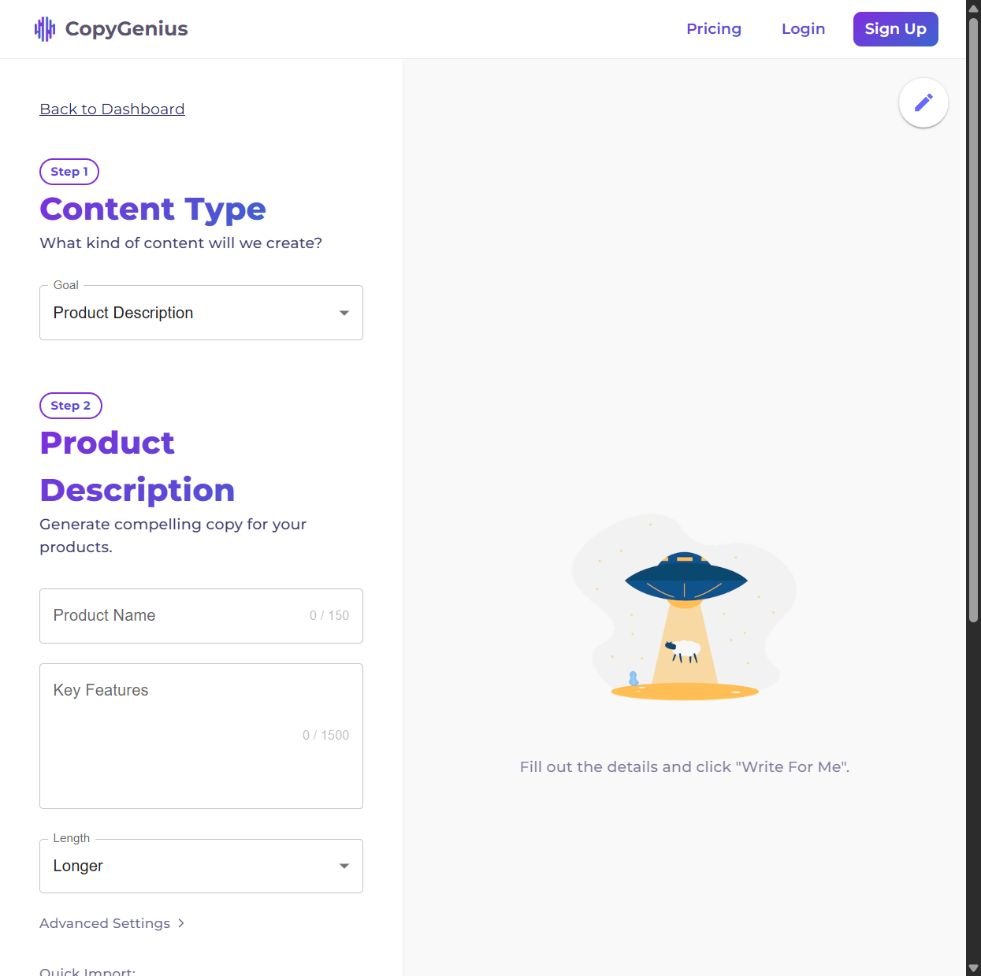
CopyGenius is a browser-based copywriting tool that starts with a content type and a short brief. Enter product details or your topic, choose available output settings, and generate drafts you can edit before publishing.
Templates cover e-commerce, advertising, blogs, emails and social content. Its Genius Editor can help continue writing in a similar style, while rewriting and summarizing tools support revision of existing copy.
Here are some of the most common ways people use CopyGenius.
Draft descriptions and benefit-led copy from the details you provide.
Prepare draft headlines and text for supported advertising formats.
Generate outlines, introductions and sections; the article writer is labeled beta.
Explore subject lines and email copy for a specific message or offer.
Create captions, hashtags and post drafts for review.
Rephrase, expand or summarize material to test a clearer version.
Use Genius Editor assistance to continue and revise an editable draft.
The trial includes 500 words with no credit card required. Monthly plans are Starter at $19 for 40,000 words, Premium at $39 for 120,000 words, and Unlimited at $79 for one seat. Annual billing offers are available.
The 500 words are a trial allowance, not a recurring free monthly quota. Confirm billing frequency and the current wording of usage limits before purchasing.

MagickPen helps draft articles, reports, stories and marketing copy using a writing form with task, subject, language and style controls.
View Tool
Turn audio and video recordings into transcripts, written content and shareable clips.
View Tool
WriteRush is a WordPress plugin for researching, drafting, editing, and publishing content.
View ToolCopyGenius is an AI writing tool with guided templates for product, advertising, blog, email and social-media copy.
It offers a 500-word trial. Continued use requires a paid plan with the appropriate word allowance.
Yes. The workflow presents drafts in an editor so you can revise wording and check details before use.
An article-writing feature is advertised as beta alongside outline, introduction and section templates. Review the output carefully.
Language selection is available in supported writing workflows. Check the relevant template and plan for the language and tone you need.