


Find Clip Moments
Identify candidate highlights within a supported source-video segment.

AI Video Clipping & Social Scheduling
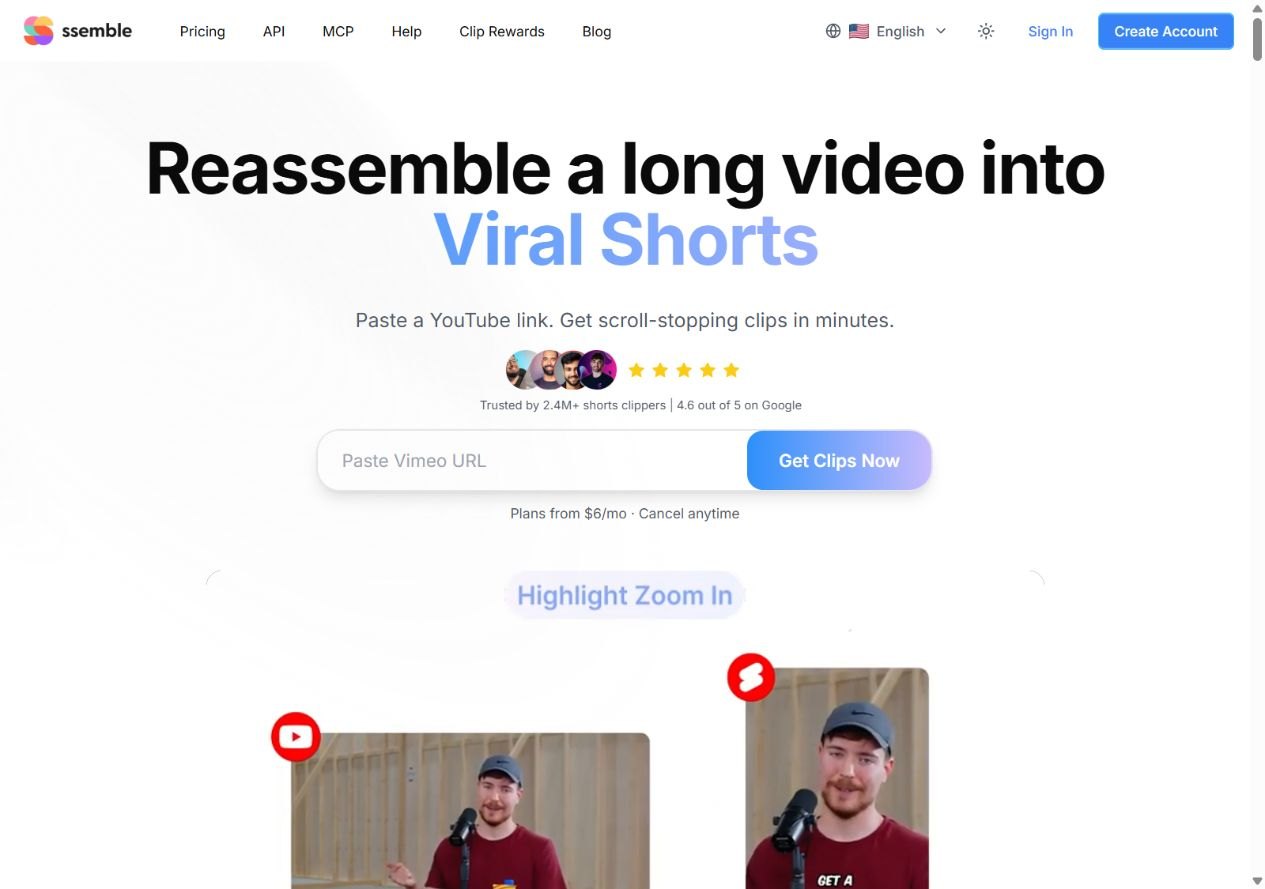
Ssemble turns longer videos into short clips with automated moment selection, captions and reframing. Supply a supported video link or upload footage, refine the output and schedule it for TikTok, YouTube Shorts or Instagram Reels.
Creators repurposing long videos into short clips
AI clipping, captions, reframing, hooks, social publishing
Pro $15/month; annual equivalent $6/month
Web; API and MCP options
Use a supported YouTube, Vimeo, Kick or Twitch source, or upload MP4, MOV or WEBM footage. The clipping workflow selects candidate moments and adds captions, face tracking, hook text and available editing elements.
Scheduling and connected-channel automation can publish approved clips to social accounts. Caption translation preserves the original audio, while YouTube videos with multiple audio tracks can use an available alternate track. These are different from generating a new dub.
Here are some of the most common ways people use Ssemble.
Identify candidate highlights within a supported source-video segment.
Create captions and review names, timing and transcription before export.
Use face tracking or the advertised sports mode to follow the subject or action.
Use hook titles, CTAs and available layout or overlay options.
Translate subtitle text or select an existing supported YouTube audio track.
Publish clips through authorized social connections and channel automation.
Monthly cards list Pro $15, Expert $30, Business $60 and Custom $100. Annual cards display $72, $144, $288 and $480 billed once per year, equivalent to $6, $12, $24 and $40 per month. Annual video allowances are listed separately.
The current credit explanation uses one credit per 20 minutes of source processing. Longer sources can require more credits; credits reset rather than roll over. A free plan is mentioned in the FAQ, but its exact allowance was not established.

Trupeer transforms screen captures into narrated walkthrough videos and step-by-step documents.
View Tool
Sludge AI helps creators build short-form video workflows using clip sourcing, editing tools, reusable templates and automated posting agents.
View Tool
Smartshort turns an idea, script or uploaded audio into a short video with visuals, narration and captions.
View ToolA browser tool for AI clipping, captioning, reframing and scheduled social publishing.
No. The displayed $6 rate is the $72 annual plan’s monthly equivalent. The month-to-month Pro card lists $15.
The current overview explains one credit per 20 minutes of source processing. Verify longer-video handling and the job’s charge.
No. Caption translation keeps original audio. An existing alternate YouTube audio track can be selected where available.
Yes, through connected scheduling and channel automation. You remain responsible for permissions and reviewing the clips.