


Configure Content Agents
Choose sources and filters for an automated clip and publishing workflow.

AI Video Clipping & Social Automation
Sludge AI helps creators build short-form video workflows using clip sourcing, editing tools, reusable templates and automated posting agents. Its public preview shows transcript-driven editing, captions, framing and timeline controls for refining videos before use.
Creators managing short-form video workflows
Clip sourcing, video editing, branded templates and automated posting
Free trial advertised; paid prices not confirmed
Web
Sludge AI combines video editing with configurable content agents. The product describes choosing creators or sources, finding clips, applying edits and publishing through connected channels, alongside tools for turning long videos into shorter material.
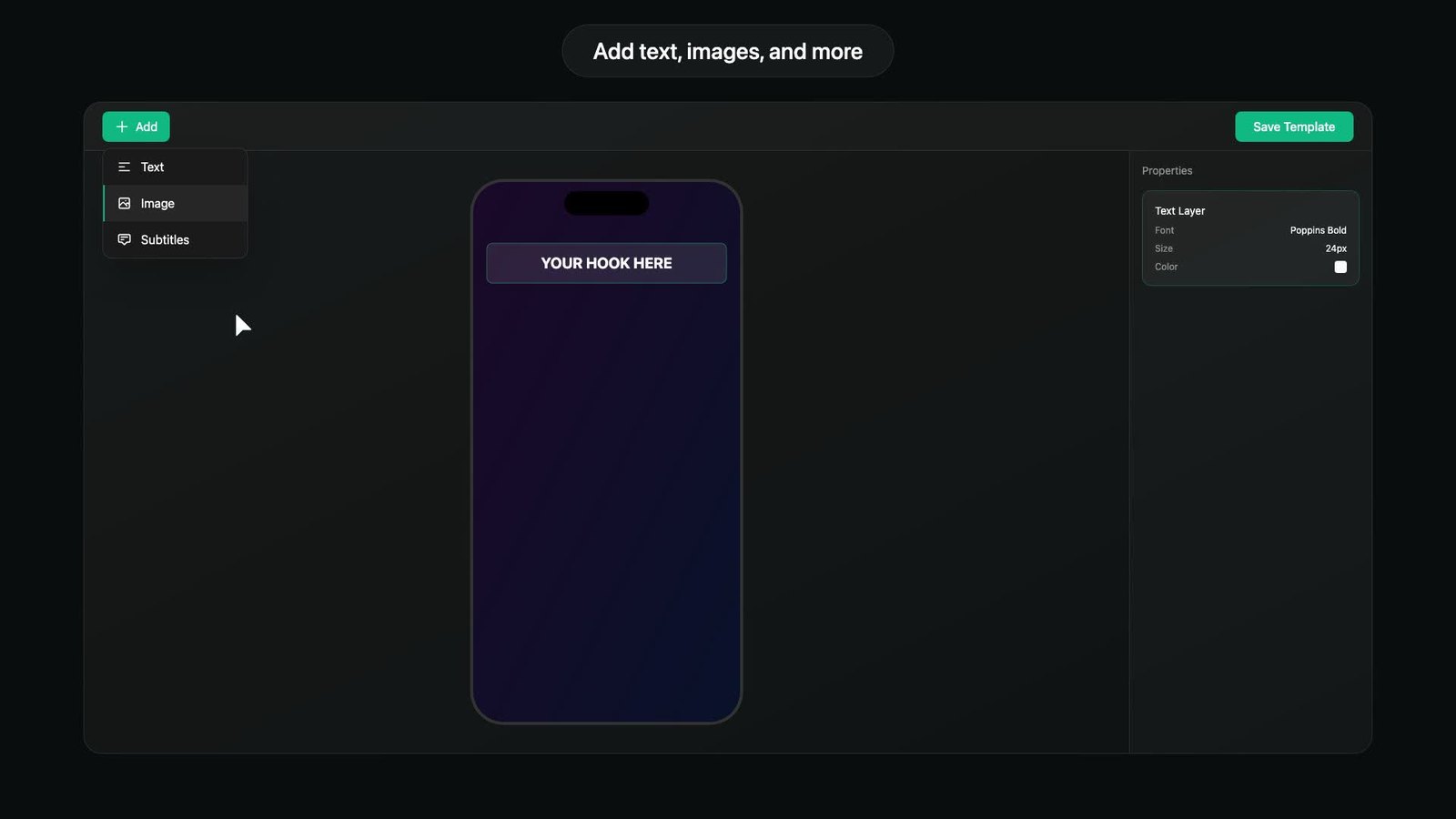
Its web editor offers captions, transcript-based navigation, framing and timeline actions. Reusable templates can carry branding and hooks across a workflow. AI-enhanced features consume credits, and publishing or reuse still requires permission to use the source material and compliance with the destination platform.
Here are some of the most common ways people use Sludge AI.
Choose sources and filters for an automated clip and publishing workflow.
Use the advertised long-to-short tools to prepare shorter material.
Refine segments with the public editor’s split, delete and framing controls.
Adjust caption appearance and timing within the editing workflow.
Prepare branding, hooks and layouts to reuse across videos and agents.
Configure supported publishing workflows after reviewing content and channel permissions.
A free trial is advertised. Paid plans use monthly AI credits for enhanced features; exact public subscription prices are not confirmed.
The public FAQ distinguishes included downloads, projects and edits from credit-consuming AI features. Confirm trial duration, current plan price, credit costs and posting limits before subscribing.

Trupeer transforms screen captures into narrated walkthrough videos and step-by-step documents.
View Tool
Smartshort turns an idea, script or uploaded audio into a short video with visuals, narration and captions.
View Tool
TubeGen AI combines niche research, titles, scripts, voiceovers, visuals, thumbnails and video editing.
View ToolSludge is a video workflow platform combining content agents, clip sourcing, editing, templates and connected-channel posting.
The website advertises a free trial. The exact trial duration and subscription prices are not confirmed in the accessible public offering.
Its public web-editor preview shows transcript navigation, caption styling, framing and timeline actions such as splitting or deleting segments.
The public FAQ says credits power enhanced features such as sourcing, subtitle generation, hooks, scripts and long-to-short tools. Paid-plan credits replenish monthly.
No. Finding or downloading a clip does not give you rights to publish it. Confirm copyright, consent and destination-platform requirements before reuse.