


Answer Incoming Calls
Use a configured AI voice agent for routine enquiries and message taking.

AI Business Phone Receptionist
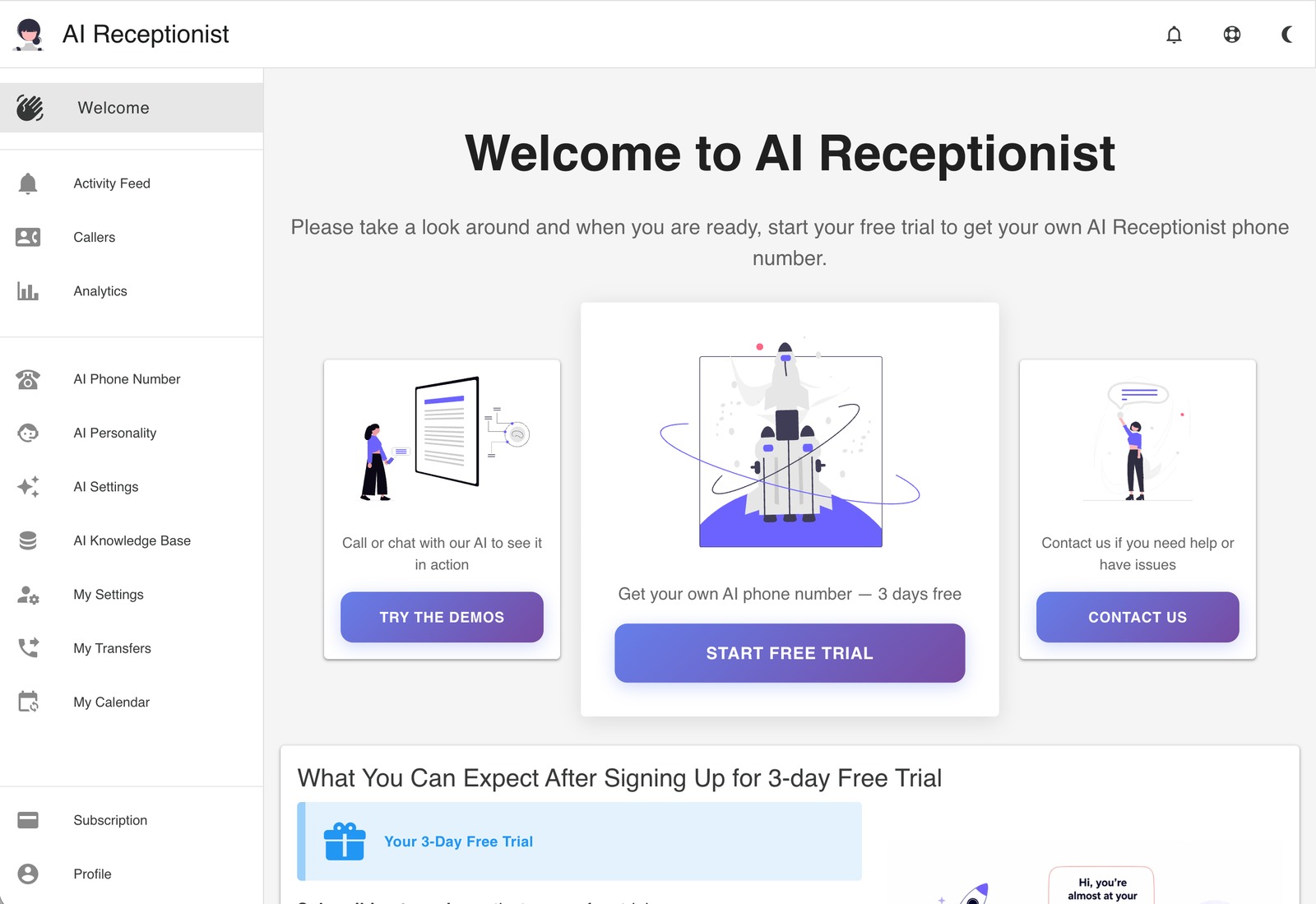
AI Receptionist answers business calls using your instructions and knowledge base. It combines phone and text conversations with transcripts, transfer controls and Boss Mode spoken briefings. Calendar booking and team phone-system features depend on the plan.
Small businesses and owners working away from a desk
Call answering, messages, transfers, spoken briefings and appointment requests
Trial; plans from $14/month
Web dashboard, phone and SMS
AI Receptionist provides a dedicated number or supports forwarding from your existing business line. You train it with business information and instructions so it can respond to common questions, collect messages and route enquiries.
Its call controls include warm-transfer approval with caller context, while Boss Mode lets registered owners ask for spoken updates by phone. Higher plans add Google Calendar scheduling, broader knowledge sources, additional contacts and team or SIP capabilities.
Here are some of the most common ways people use AI Receptionist.
Use a configured AI voice agent for routine enquiries and message taking.
Add FAQs and text; eligible plans also accept files and website knowledge.
Read transcripts and inspect recorded activity, messages and caller information.
Receive caller context and choose whether to accept a warm transfer.
Call from your registered number and use Boss Mode for recent-call updates.
Use the same knowledge base to respond by SMS and review the shared feed.
Connect Google Calendar on supported plans for appointment scheduling.
Business-plan SIP and team features support compatible VoIP setups.
A three-day trial is advertised. Monthly plans are Essential at $14, Starter at $39, Solopreneur at $99 and Business at $199, with 60, 60, 200 and 400 voice minutes respectively.
Annual plans are charged upfront. Extra AI voice minutes are listed at $0.25 each; transfers, SMS and MMS have their own allowances or rates. Calendar, knowledge-source and team capabilities vary by tier.
AI receptionists and website agents for bookings and business enquiries.
View Tool
ZenOp answers forwarded business calls, books Google Calendar appointments, captures leads, and turns calls into summaries and configured SMS follow-ups.
View Tool
Upfirst answers business calls, uses your business information to handle questions, captures caller details, books appointments, and transfers conversations to staff when needed.
View ToolIt is a business phone-answering service with an AI voice agent, messaging, transcripts and configurable call management.
It offers a three-day trial. Ongoing subscriptions start at $14 per month with an included usage allowance.
Boss Mode lets a registered owner call their receptionist and request spoken summaries or manage supported instructions by voice.
Yes. Warm Transfer provides caller context and a live transcript link so you can accept or decline the transfer.
No. The live plan list places Google Calendar scheduling in Starter and higher tiers. Check the current feature table before subscribing.