


Capture a Task by Voice
Use local Whisper transcription to turn speech into a work request.

Desktop AI Workspace with Agents & Voice
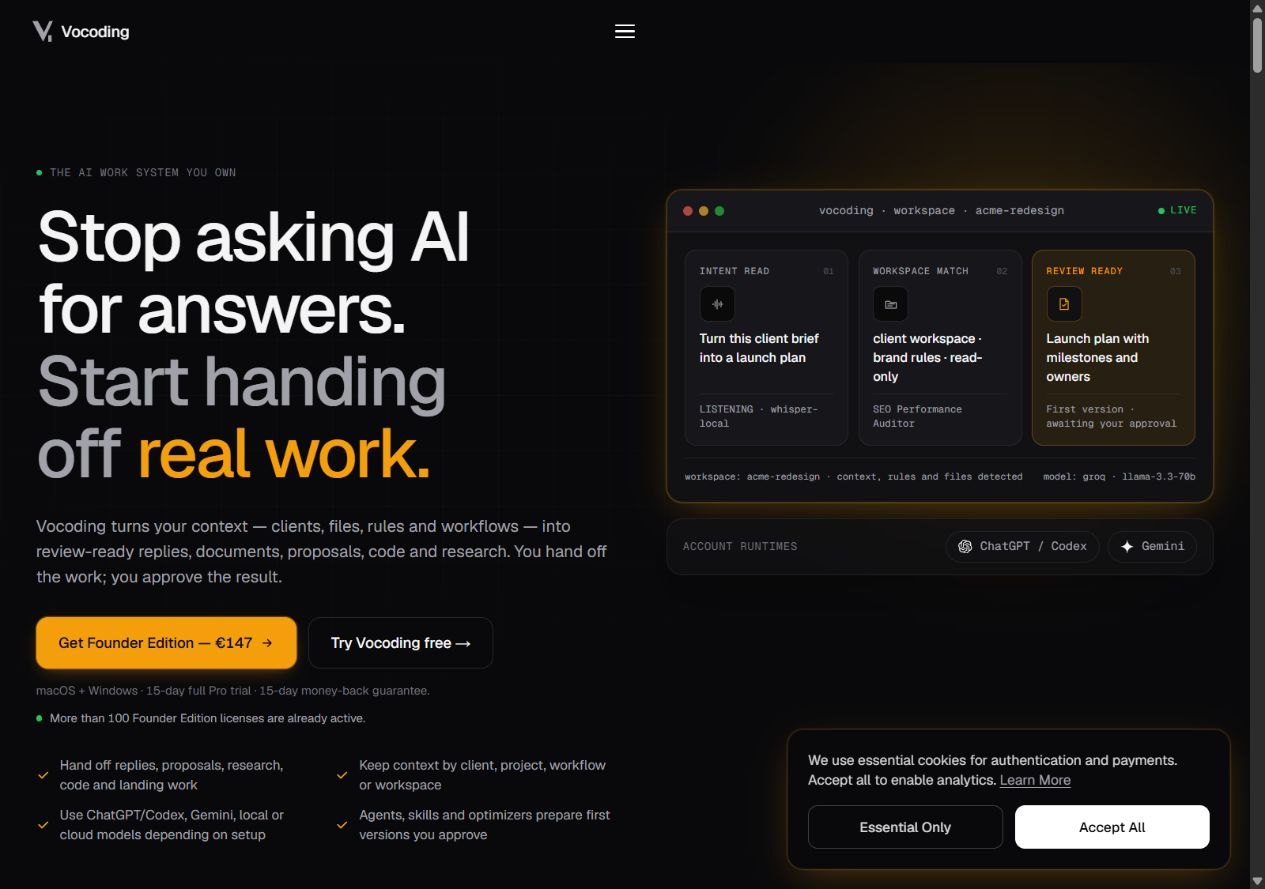
Vocoding keeps project context, reusable skills and AI agents in a desktop workspace. It combines local voice transcription with configurable local or cloud models to prepare drafts, research, code and documents for review, using a perpetual license for the purchased major version.
Freelancers and teams with repeatable project work
Context-aware drafting, research, voice capture, agents and reusable skills
Free tier; Solo v1.x license €147 once
macOS and Windows
Vocoding organizes work around client or project workspaces, with files, rules, profiles and skills supplying context to agents. Chat, Voice Log and Assistant modes serve different ways of working, while routing and autonomy settings determine how tasks run.
Local Whisper transcription is the default voice path. Users can choose local, cloud or hybrid processing and connect compatible providers or account runtimes according to their setup. The application license covers the v1.x line; external models, search services and provider usage can have separate requirements and charges.
Here are some of the most common ways people use Vocoding.
Use local Whisper transcription to turn speech into a work request.
Group client files, rules and tasks in separate workspaces.
Use agents to produce replies, proposals or documents for review.
Create or import supported skill files for recurring procedures.
Configure local or cloud models and eligible account runtimes.
Select autonomy and routing settings, then review outputs and consequential actions.
Free includes a 15-day full Pro trial, then limited capabilities with one workspace and five starter agents. One-time paid v1.x licenses are Solo €147 for one seat/device, Duo €247 for two, Team €497 for five and Agency €697 for ten. Paid packs are advertised as feature-identical.
All v1.x updates are included; this is not a promise of every future major version. Model and provider usage is separate. A single 15-calendar-day refund window is advertised, covering the applicable EU minimum rather than adding another window.

Buildy AI helps turn a business idea into a website, app and supporting marketing workflows through conversation.
View Tool
Denovo helps develop a business idea into a plan, brand and website, with AI agents for research, engineering, sales and marketing on supported plans.
View Tool
AI business planning, website building and growth workspace
View ToolThe official site advertises macOS and Windows desktop support. Check download and compatibility requirements for your device.
The paid app is sold as a one-time perpetual license for the v1.x line. External model or search-provider charges remain separate.
The full Pro trial lasts 15 days, after which the free tier has limits such as one workspace and five starter agents.
Only when configured to use local processing for the relevant operation. Optional cloud models, cloud transcription and online services have their own data flows.
The pricing page describes Solo, Duo, Team and Agency as feature-identical, with differences in seats, devices and support arrangements.