


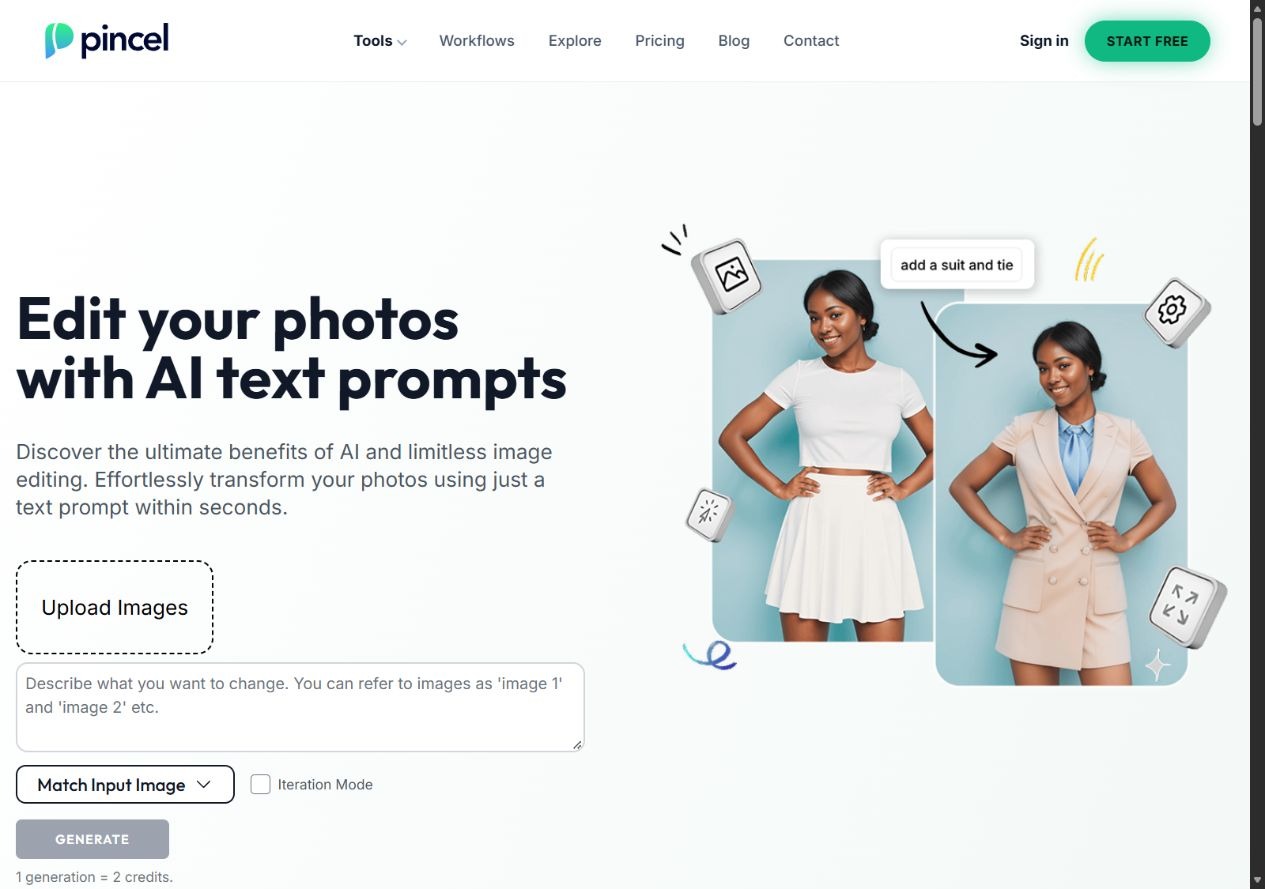
Edit with a Prompt
Describe changes to a photo in the AI editor.

AI Visual Tools & Repeatable Workflows
Pincel offers browser tools for editing, generating and enhancing visual content. It combines individual photo tools with a workflow canvas that chains steps for repeated product and marketing work.
Visual-content teams and online sellers
Photo edits, product visuals and repeatable pipelines
Free credits; Creator $19/month
Web
Use a prompt editor for an image transformation or a dedicated tool for cleanup, backgrounds, portraits or apparel previews. The object-removal tool also supports brushing over a specific area, with full-size processing tied to subscription access.
Workflows connect compatible nodes such as background removal, scene generation, relighting and enlargement. Saved pipelines can run on a single asset or lists of inputs, with API/MCP access for authorized integrations and credit costs per step.
Here are some of the most common ways people use Pincel.
Describe changes to a photo in the AI editor.
Brush over distracting areas to reconstruct them.
Prepare cutouts or new product scenes.
Explore supported portrait styles and presets.
Combine a garment and model for a virtual try-on.
Use available upscaling, relighting or colorization tools.
Explore the separate image-to-video workflow.
Build a pipeline and reuse it through the canvas or API.
New accounts receive 20 free credits without a card. Creator is $19/month for 1,000 credits, Premium $79/month for 5,000 and Restless $199/month for 15,000. One-time packs are also listed.
Subscription credits roll over while the plan stays active; purchased top-ups are described as non-expiring. Tool costs vary, and the prompt editor displays two credits per generation. Cancellation takes effect after the current billing period; refund requests are individually evaluated in the terms.
It is a collection of browser-based AI media tools with a canvas for repeatable workflows.
A new account gets 20 testing credits without a card. Costs differ between tools, so this is not an unlimited free plan.
The workflow documentation says credit balance enables API access, including purchased packs. Saved workflows and an authorized API key are required.
Yes. List inputs repeat the workflow for each row; the API currently documents up to 25 rows per batch call.
The official pages give different retention windows for tools, accounts and workflow outputs. Check the applicable policy and save needed work locally.