


Unify Customer Messages
Bring supported social, email and review connections into one customer workspace.

AI Customer Inbox, Booking & Follow-Up
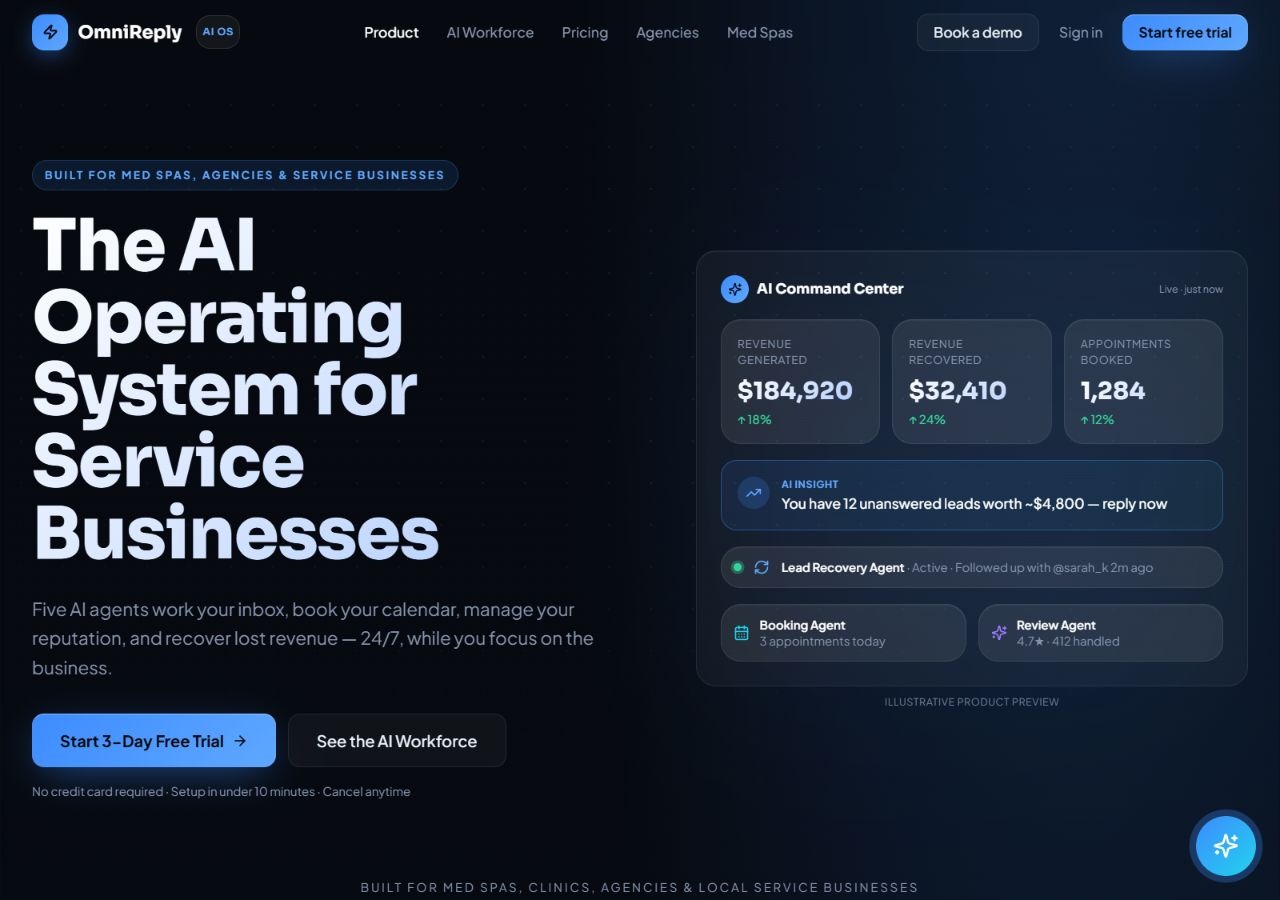
OmniReply AI brings customer messages, lead follow-up, appointment booking and review replies into one service-business workspace. Configure your business knowledge and brand voice, then use approval controls and human takeover to supervise the AI.
Service businesses and agencies
Messages, leads, bookings, reviews, reports
Starter from $79/month
Web & connected customer channels
OmniReply organizes customer conversations and AI agents around lead recovery, booking, reviews, growth insights and reporting. Connect supported channels, add your FAQ or website information, and configure the tone and rules your business needs.
The workspace advertises a unified inbox, lead pipeline, calendar connections and analytics. Approval mode, confidence thresholds and human takeover help your team supervise replies. Channel coverage, calendars, CRM sync, reporting and agency controls vary by plan.
Here are some of the most common ways people use OmniReply AI.
Bring supported social, email and review connections into one customer workspace.
Supply business FAQs, website material and response rules for more relevant drafts.
Configure follow-up workflows for unanswered enquiries and leads.
Use booking-intent workflows and supported Google or Outlook calendar connections.
Draft responses to connected reviews and route sensitive replies for approval.
Follow prospects through stages and review conversation activity.
Use approval mode, confidence thresholds and instant human takeover.
Inspect channel, booking and revenue-attribution reports within your plan.
Starter is $79/month for two client inboxes, one seat and 1,500 AI replies. Pro is $297/month for 10 inboxes, five seats and 5,000 replies. Agency is $597/month with unlimited inboxes and seats and 25,000 replies, then $0.01 per additional reply.
The pricing page says a card is required to activate the three-day trial, although the homepage says otherwise; confirm the trial terms before starting. Trustpilot and live chat begin on Pro. White-label reporting and advanced agency controls are higher-tier features.
Niche helps service businesses respond to inquiries, qualify leads, manage conversations, and book jobs through connected voice, text, email, and workflow tools.
View Tool
Website AI Support & Lead Capture
View Tool
Support AI helps you build a customer chatbot from your website and business material.
View ToolIt is a customer-communication workspace with AI workflows for replies, lead follow-up, booking, review responses and reporting.
The site advertises a three-day trial, followed by paid plans starting at $79/month. The pricing page requires a card for trial activation; confirm checkout terms because the homepage wording differs.
Yes. Approval mode can hold replies for sign-off, and human takeover lets a teammate handle a conversation.
No. Starter lists Instagram, Facebook, WhatsApp, Google and email. Pro adds Trustpilot and live chat; other connections and controls depend on the plan.
Yes. Plans have different client-inbox and seat allowances. Agency adds white-label reports, client portals and more administrative controls.