


Build SmartForms
Collect structured inputs and turn them into a configured AI output.

Build Branded AI Tools & Client Portals
FormWise AI helps you build branded AI tools without coding. Create guided forms, conversational assistants and connected workflows, then embed them or organize them into a client-facing tool portal.
Agencies and businesses building AI tools
SmartForms, CoPilots, workflows, client portals
Paid credit-based plans; trial available
Web, embeds & API
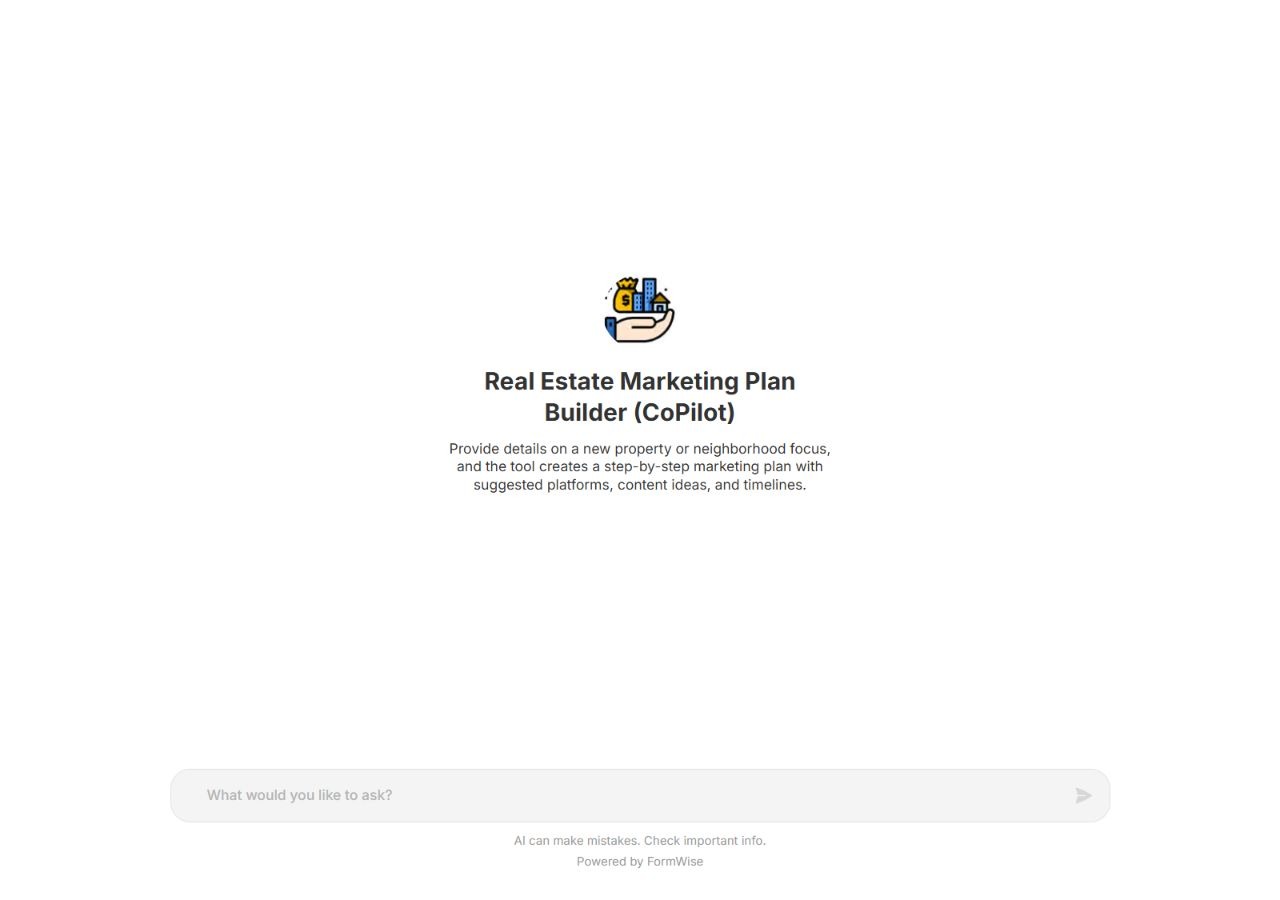
FormWise separates fixed-input SmartForms from conversational CoPilots. Configure the questions, prompt logic and business knowledge your tool needs, then test the results before sharing it through an embed or branded toolset.
The platform also supports chained workflows, knowledge inputs, editable artifacts and client access controls. Eligible plans provide integrations, team workspaces and monetization options. Included credits and feature access differ across plans; customer payments can involve separate processing or platform fees.
Here are some of the most common ways people use FormWise AI.
Collect structured inputs and turn them into a configured AI output.
Build a conversational assistant that can ask follow-up questions.
Ground tools with supported documents, website material and other knowledge inputs.
Connect prompts and decision steps for more involved tasks.
Organize several tools inside a branded client-facing experience.
Place supported tools on websites or compatible learning and community platforms.
Use documented login and access features for your tool portal.
Configure supported payments and integrations after checking plan and fee requirements.
FormWise advertises paid Pro and Agency credit-based subscriptions and a seven-day trial. Annual billing offers a discount; confirm the full billing commitment, included credits and current price before subscribing.
Public plan descriptions differ on team-seat allowances, so do not assume a particular seat count. Additional usage and payment processing may cost extra. The trial and eligible integrations should be checked against the chosen plan.

Buildy AI helps turn a business idea into a website, app and supporting marketing workflows through conversation.
View Tool
Denovo helps develop a business idea into a plan, brand and website, with AI agents for research, engineering, sales and marketing on supported plans.
View Tool
AI business planning, website building and growth workspace
View ToolYou can build structured SmartForms, conversational CoPilots, connected AI workflows and branded toolsets for clients.
Its ongoing plans are paid. A seven-day trial is advertised; confirm the selected plan’s billing and trial terms.
A SmartForm starts from structured fields, while a CoPilot provides a conversation with follow-up questions and responses.
Yes. FormWise documents embedding on websites and compatible third-party platforms. Integration availability and configuration depend on your setup.
The documentation includes login and monetization workflows. Check eligible plans, Stripe requirements and all processing or platform fees before enabling payments.