


Train on Business Information
Configure the agent with your services, prices, FAQs and supported documents.

AI Receptionist for Business Messaging
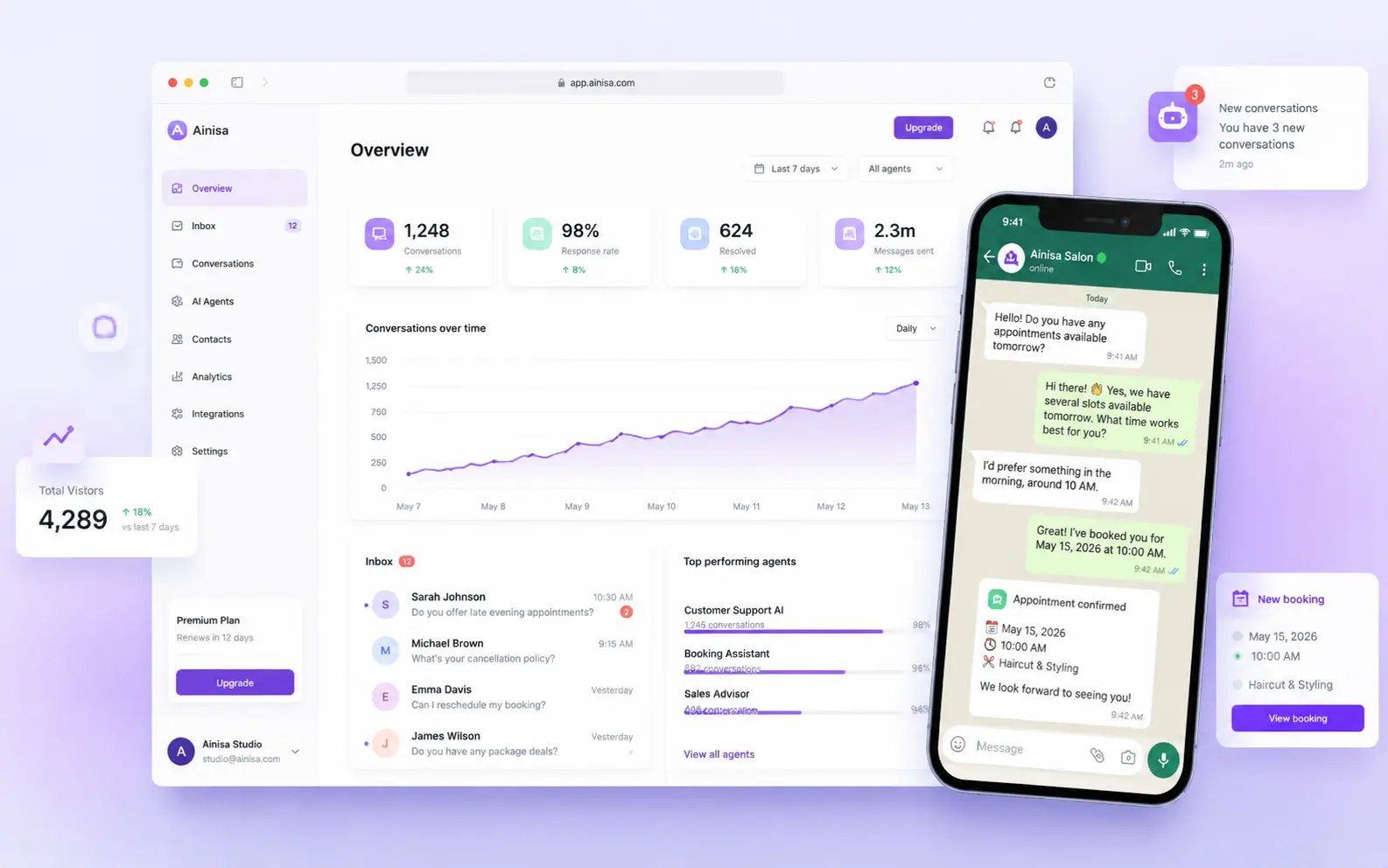
Ainisa answers customer messages using your business information, captures leads and supports appointment workflows. Connect supported messaging channels, configure actions and let your team take over conversations when needed.
Appointment-based and customer-facing businesses
FAQs, leads, bookings, messaging, CRM actions
Platform subscription plus AI-provider usage
Web
Ainisa provides an AI receptionist for businesses using messaging channels and website chat. You supply service information, pricing and FAQs, then configure how the agent responds, captures inquiries and supports appointment handling.
The platform advertises knowledge training, customer conversation context, analytics and integrations such as Google Calendar, CRM actions and webhooks. Its bring-your-own-key model uses your OpenAI or Anthropic account for AI usage. Channel setup, business verification and action configuration are part of deployment.
Here are some of the most common ways people use Ainisa.
Configure the agent with your services, prices, FAQs and supported documents.
Respond through website chat and connected messaging channels.
Collect relevant inquiry and contact details for business follow-up.
Configure booking, rescheduling and cancellation with supported calendar workflows.
Use supported CRM actions or webhooks such as n8n integrations.
Inspect conversations and analytics, and let team members take over.
Ainisa advertises free access to get started, alongside paid platform subscriptions and a bring-your-own-key model. The current public pricing view does not show a reliable subscription price table, so exact tier prices need confirmation.
AI usage is paid directly to your chosen provider. WhatsApp Business API and other channel requirements or charges are separate. Free setup does not establish unlimited production access.

Buildy AI helps turn a business idea into a website, app and supporting marketing workflows through conversation.
View Tool
Denovo helps develop a business idea into a plan, brand and website, with AI agents for research, engineering, sales and marketing on supported plans.
View Tool
AI business planning, website building and growth workspace
View ToolAn AI business receptionist for customer messaging, lead capture and configured appointment or CRM workflows.
Free access to get started is advertised. Confirm the platform subscription, limits and ongoing provider charges.
The documented BYOK setup uses your OpenAI or Anthropic key, with usage billed directly by that provider.
No. The documented integration requires WhatsApp Business API and the appropriate Meta business setup.
Yes. Human handover allows your team to take over when an inquiry needs staff attention.